



01
Keep what you already use
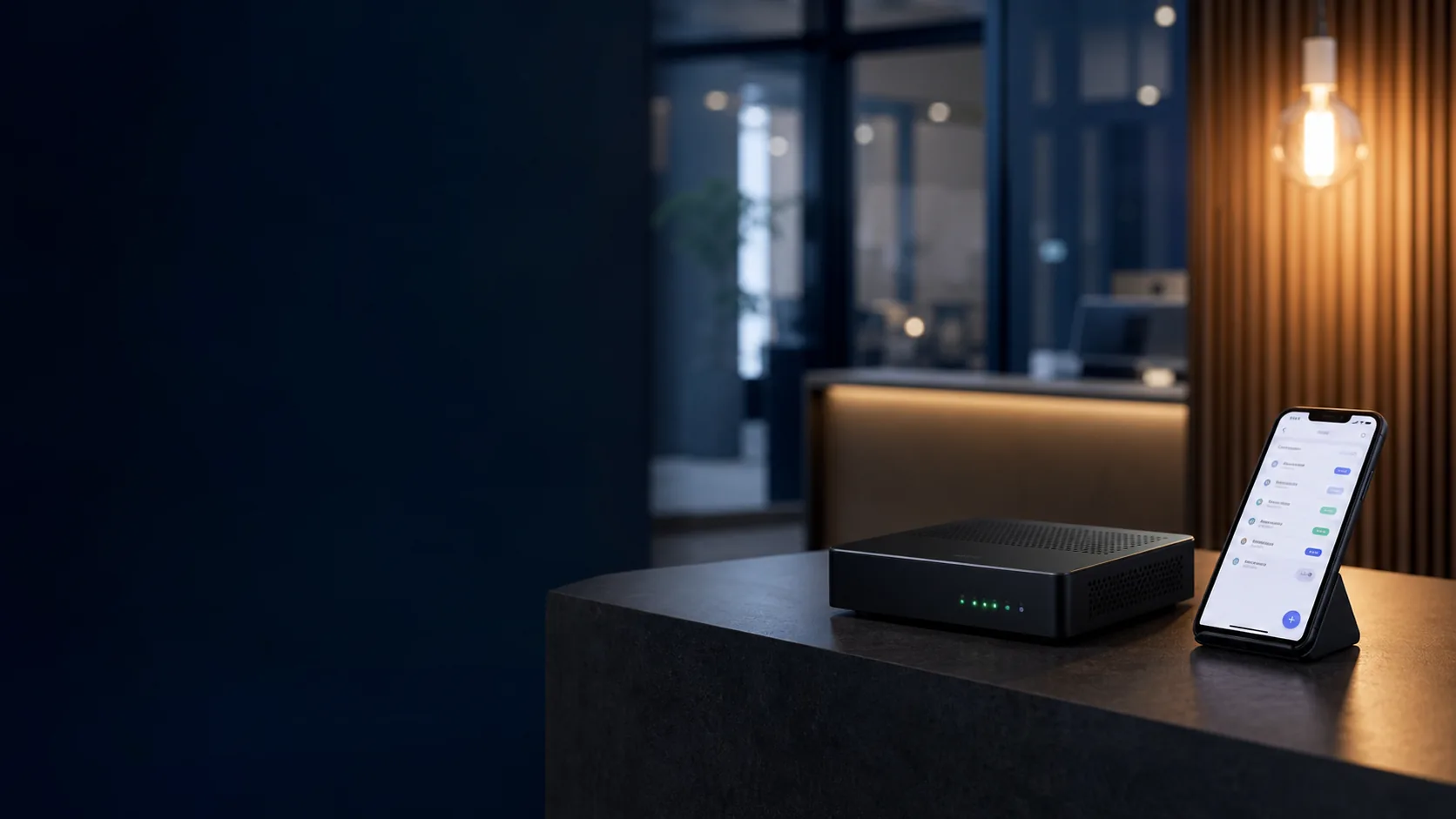
Keep your number, carrier and WhatsApp Business app whenever the setup is compatible.
- No mandatory number porting
- The app can remain active
- Number checked beforehand
Telephony, WhatsApp and automation
Send requested information, collect enquiries and route each conversation to the right team. Calls and WhatsApp working together.
Your starting point
We adapt Comunicabox to what you already use. Your phone number and WhatsApp setup are decided separately.
Keep your number, carrier and WhatsApp Business app whenever the setup is compatible.
We port your line to Comunicabox and prepare call routes, opening hours, extensions and messages.
We provide a new line prepared for telephony, WhatsApp or both services.
The Comunicabox difference
Automation is part of Comunicabox: it connects a customer's request with the next step. For example, sending the information requested during a call via WhatsApp.
“Press 1 to receive our menu and book via WhatsApp.”
Here is the menu you requested.
Delivered ✓✓Clear plans
Three straightforward ways to begin, with Comunicabox setup and support.
Start with WhatsApp
The caller presses an option during the call and receives exactly what they requested via WhatsApp.
Organise your calls
Opening hours, greetings, options and up to three extensions for organised business call handling.
The most complete option
Telephony and WhatsApp working together so every call can continue on mobile.
We configure your plan's routing, messages and automations, with Comunicabox support. Each card shows the included services and limits.
Inbound message: 0. Chat reply: 1. Service template: 2. Authorised marketing: 4.
A 2,000-credit pack costs €30 and does not expire. Hardware, special setup and extra usage are quoted in advance.
Intelligent assistance
AI plans respond via WhatsApp or phone, collect the enquiry and hand it over to your team when needed. They use approved information and defined limits.
Tell us what you want to automateAI responses, appointment capture and transfer to a person.
Telephony, WhatsApp from the call and AI-assisted written support.
250 minutes, transfer to the team and tailored setup.
750 minutes, multiple workflows and broader integrations.
Applied to your business
Choose an industry to see how Comunicabox adapts to your team’s real work.
Menus, orders, bookings and opening hours without making customers repeat information.
WhatsApp without losing what already works
If you already use WhatsApp Business, we check whether you can keep your number, chats and app while adding automation. Otherwise, we prepare a new managed channel.
We handle the complex part
Numbers, carrier, opening hours, calls and current WhatsApp setup.
Prompts, routes, messages, branding, extensions and permissions.
Real call, delivered WhatsApp message, correct destination and continuity.
Accessible support, visible usage and improvements when they add value.
Frequently asked questions
Clear answers, without technical jargon or promises before checking your case.
We only need to know which number and carrier you use and how you currently use WhatsApp. We check compatibility first and then recommend the simplest option.
You will not have to configure a phone system yourself. We prepare the service, guide you through connecting any required equipment and make a real test call with you before activation. Timing depends on the number, porting and chosen solution; we confirm it in the proposal.
Yes. We can keep your carrier and number, assess number porting or provide a new number. We recommend the lowest-risk option for your business.
When the number and account support coexistence, you can keep using the app. We check this before making any changes.
Telephony is designed to continue. A messaging issue must not interrupt or block the call.
It does not have to. It can handle specific queries, collect information and transfer to a person when needed.
Yes. You can begin with one service and add the rest when there is a real need.
Let’s talk about your business
Tell us what you use today and what you want to improve. We will explain whether keeping, porting or starting with a new number is best, with no obligation.